Announcements, assignments, a tuner and a metronome. One app, your band only.
ClefBoard puts every announcement, event, assignment, message and poll in one private app your students actually open, with the music tools they'd otherwise download separately.
- COSTFree for your band
- ACCESSInvite-only
- RUNS ONApp Store, Android, any browser
Five apps for one band.
Parents hear about the trip last.
“Where's the part?”
Nobody tuned before the downbeat.
One app. One band. Everything in it is yours.
Run the band. Tune the band. Practice between rehearsals.
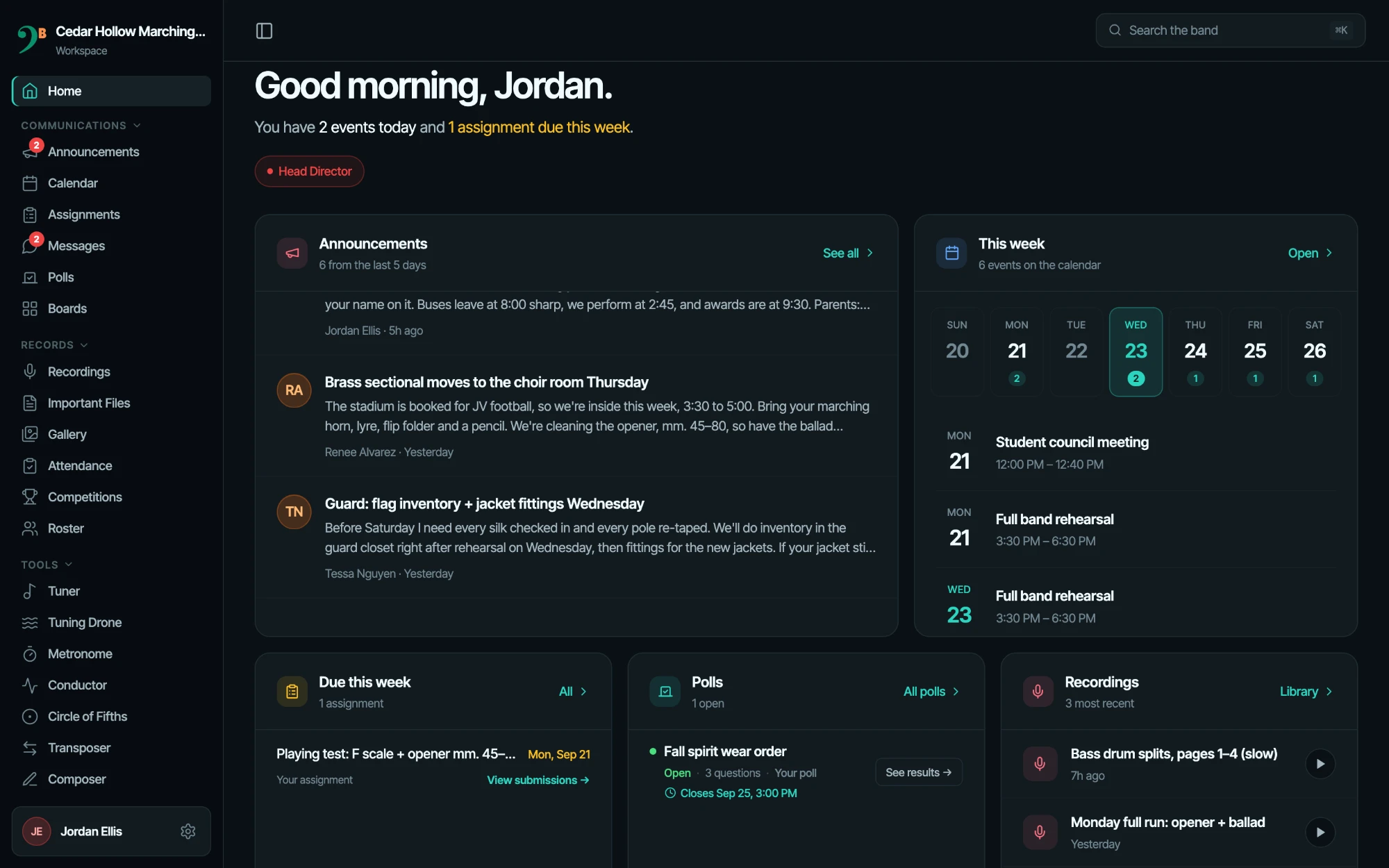
Every message, one app.
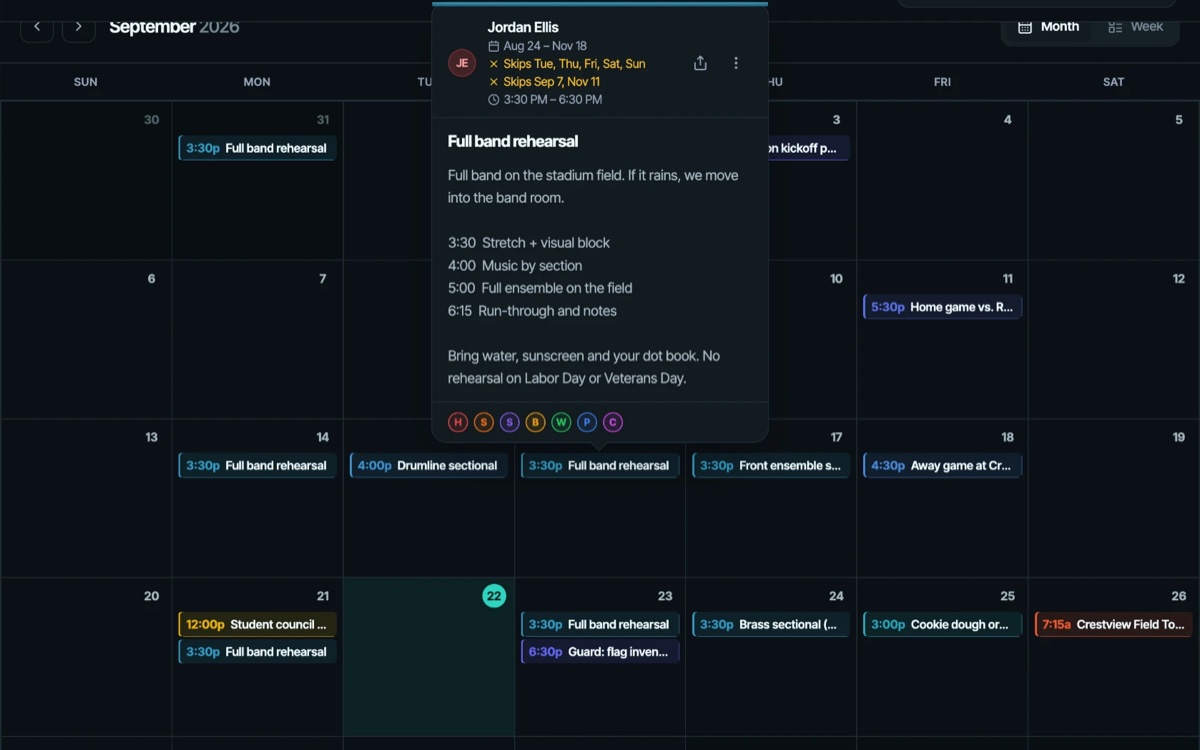
Post once and the right sections see it. Schedule it, attach the itinerary, see who's read it.
Announcements · Calendar · Assignments · Messages · Polls · Boards · Attendance · Roster · Recordings
See everything →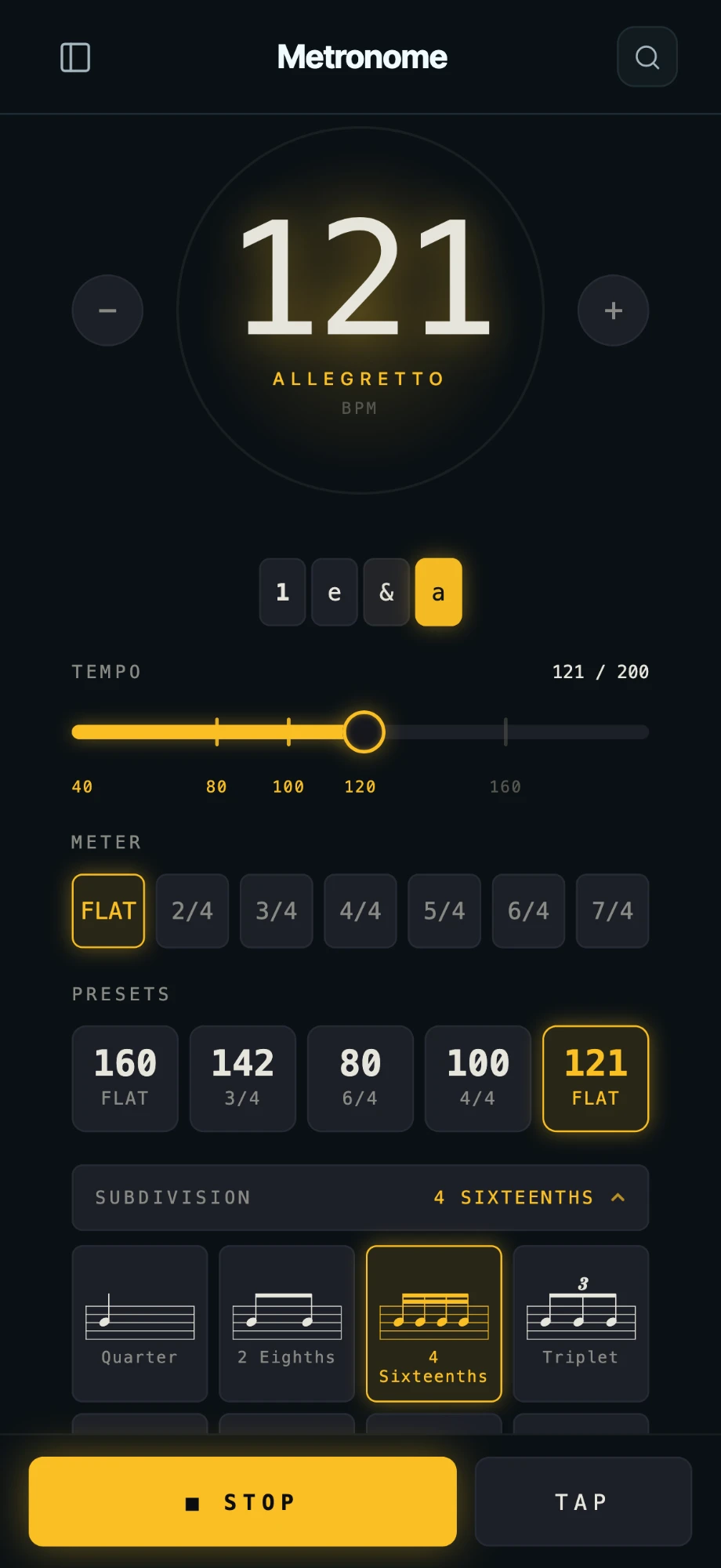
No more “download this other app.”
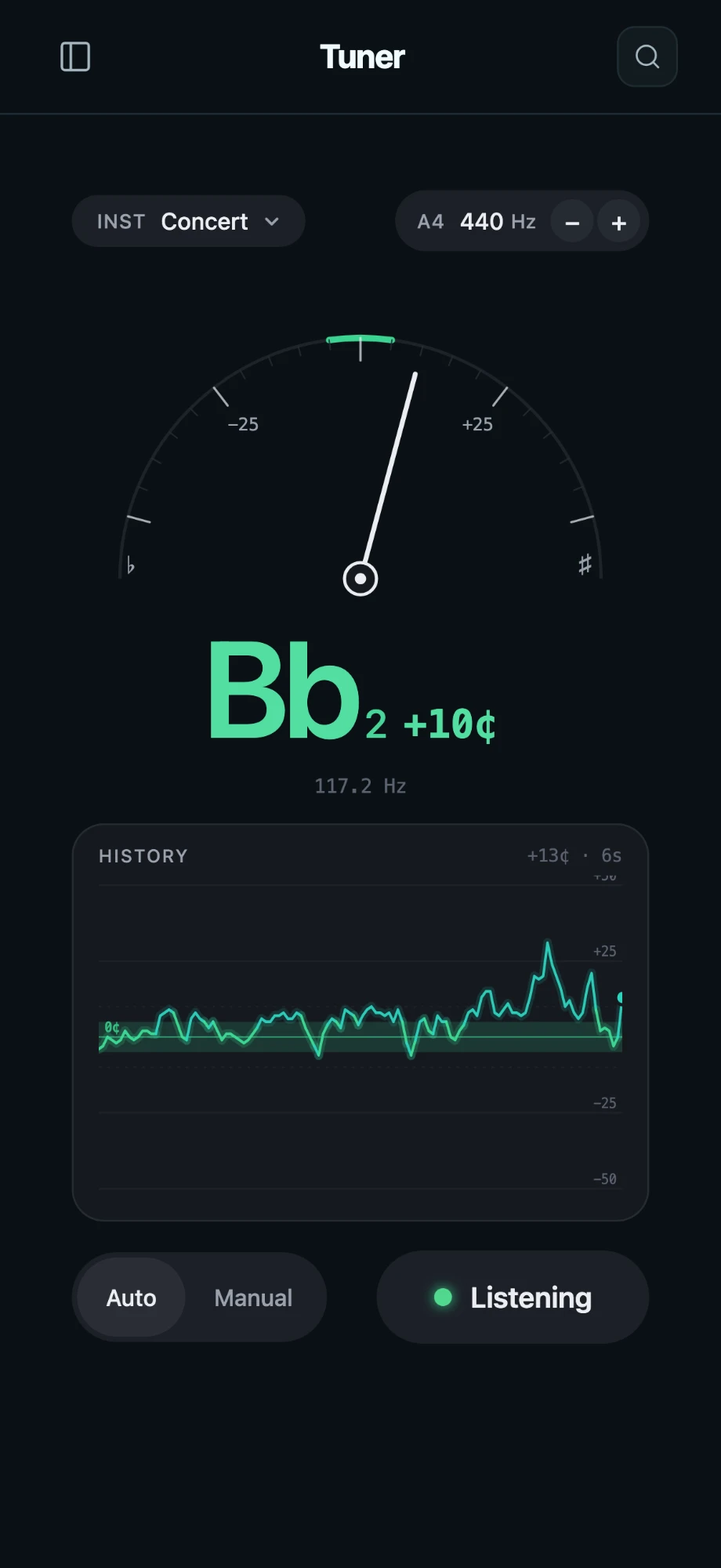
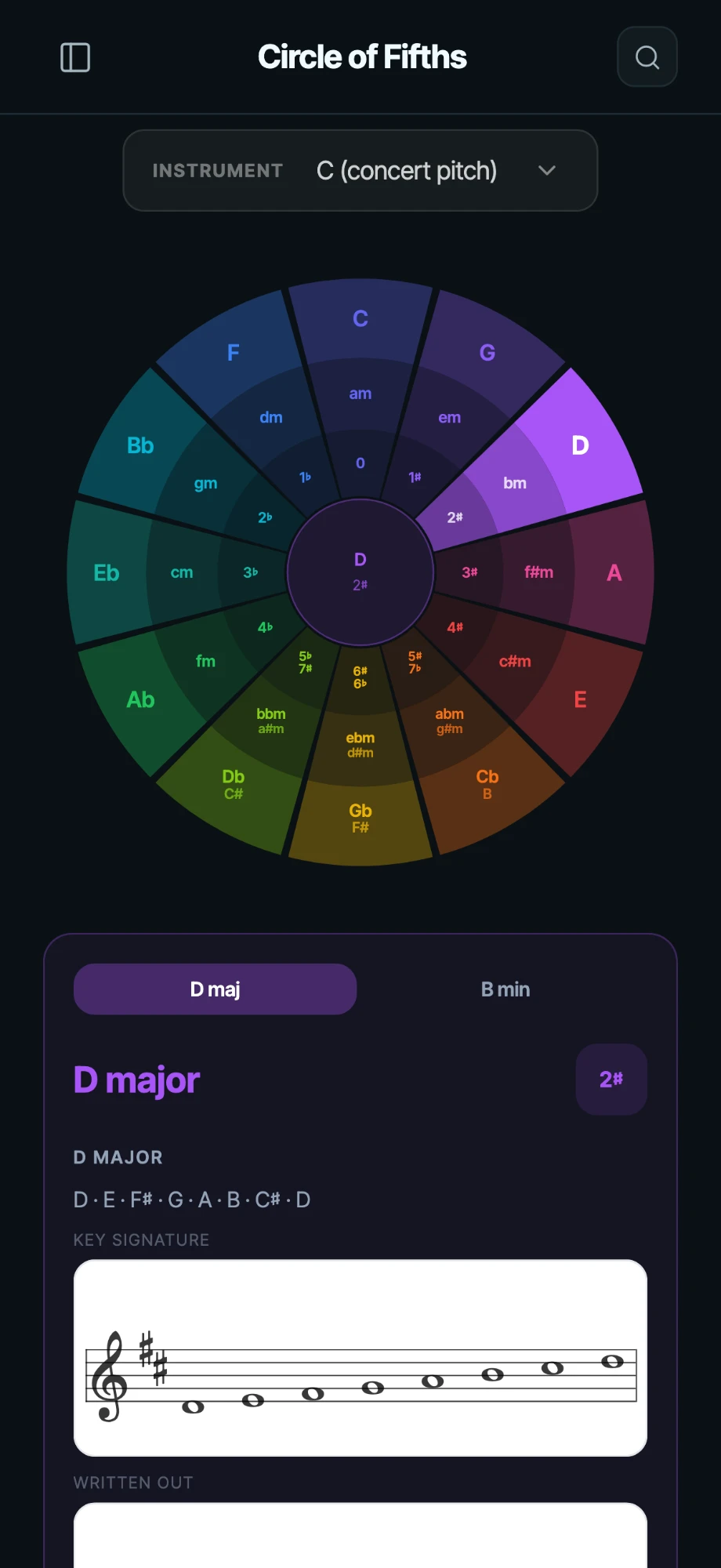
A tuner, drone, metronome and conductor for rehearsal, and a real notation composer for everything else.
Tuner · Tuning Drone · Metronome · Conductor · Transposer · Circle of Fifths · Composer
See everything →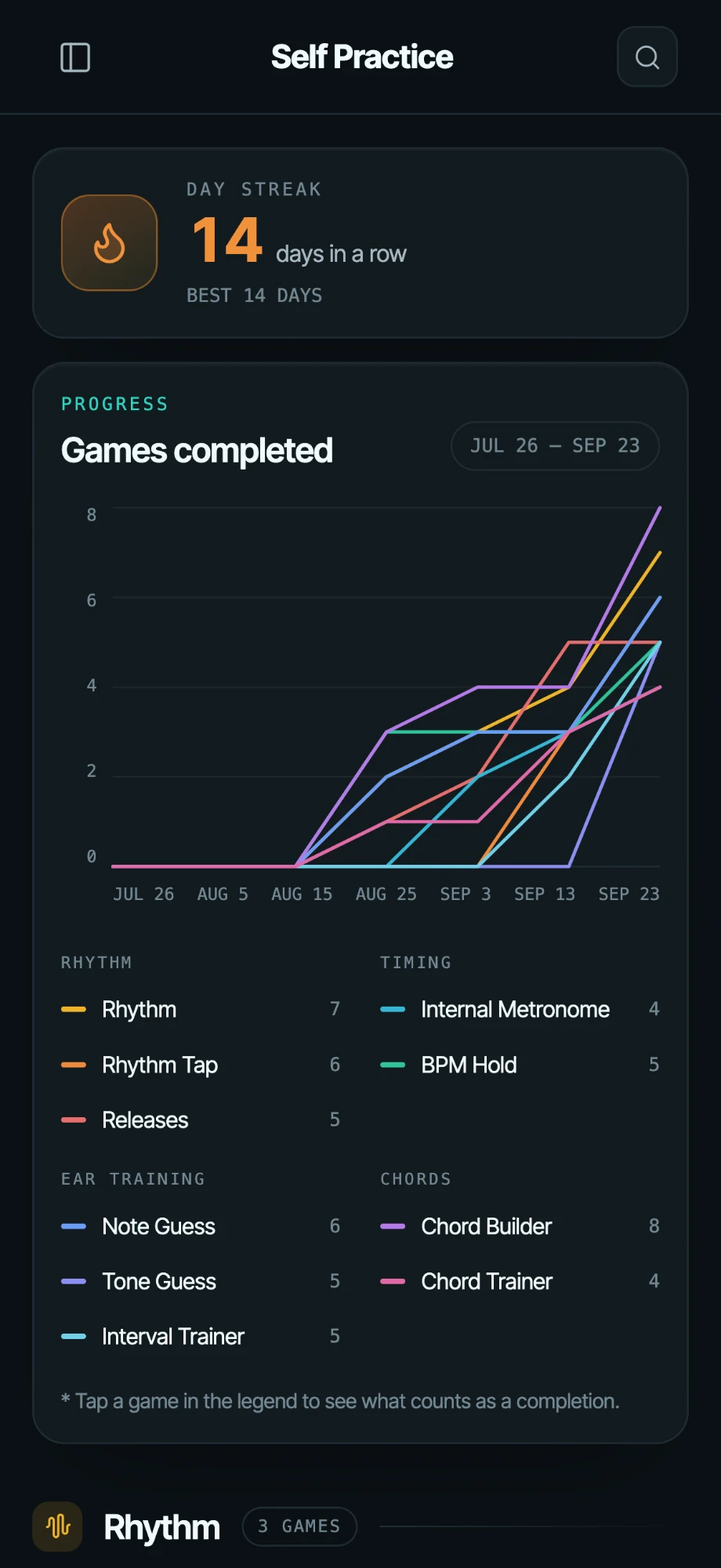
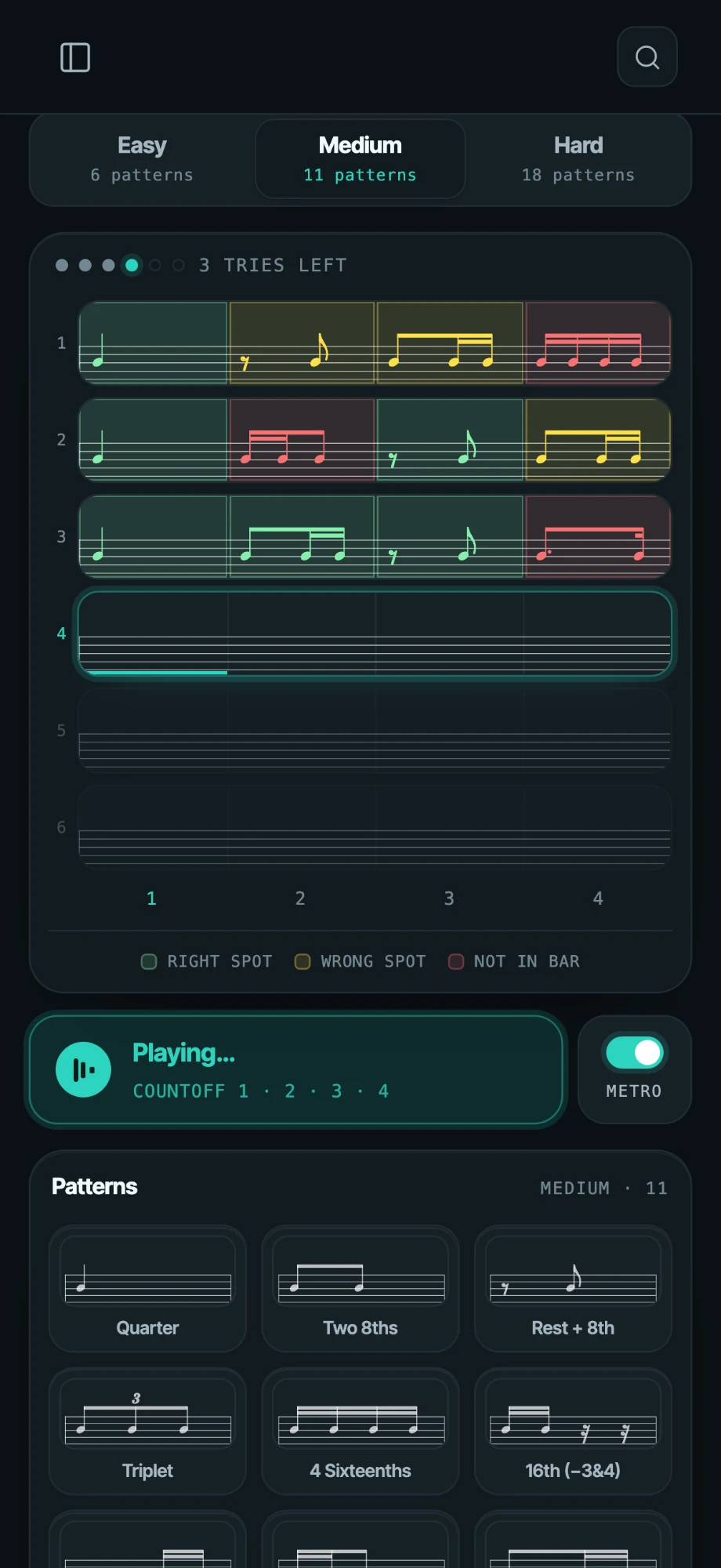
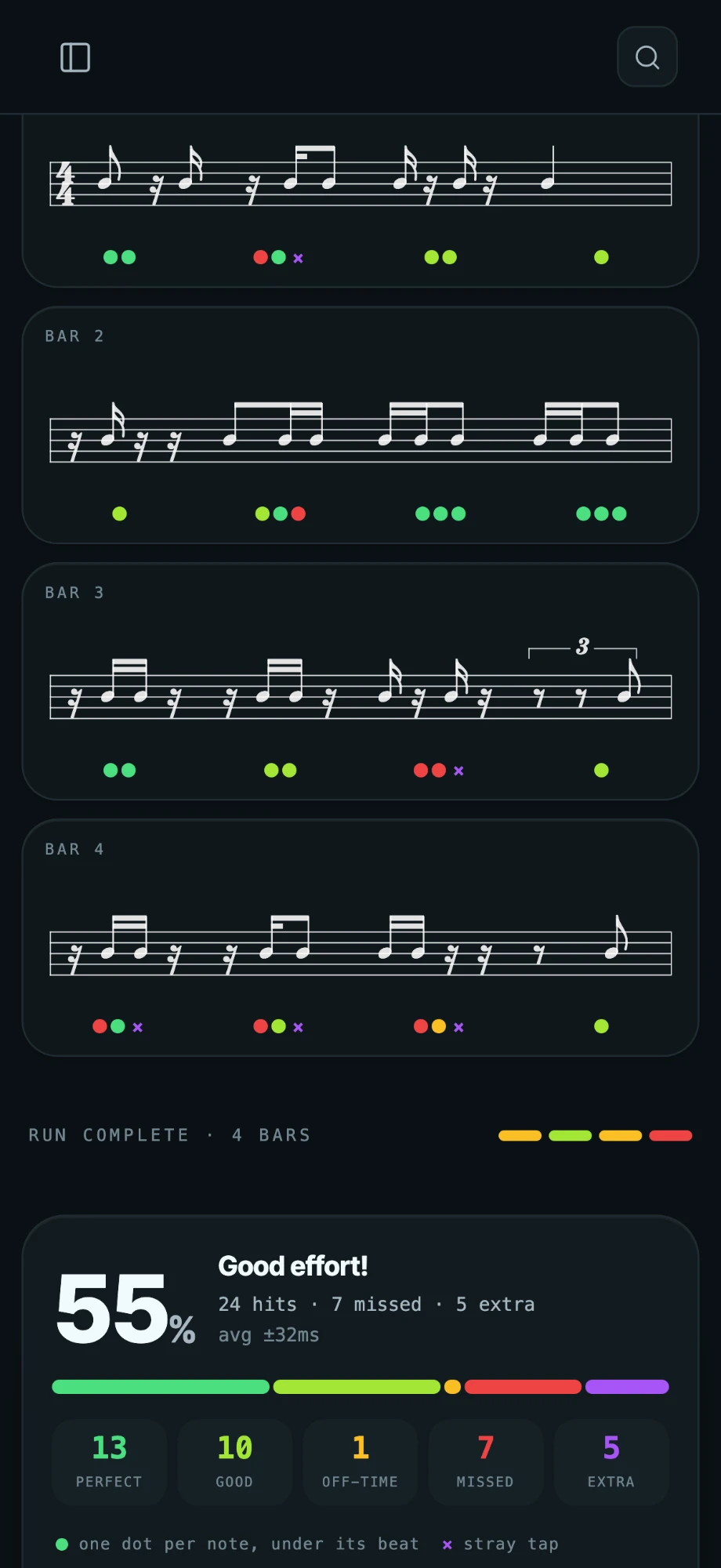
Practice that keeps score.
Ten rhythm, tempo, ear and chord games, with completion counts and day streaks for every player.
Rhythm · Rhythm Tap · Releases · Internal Metronome · BPM Hold · Note Guess · Tone Guess · Interval Trainer · Chord Builder · Chord Trainer
See everything →On every device in the band room.
Push notifications on all three.
iPhone & iPad
The native app, with lock-screen metronome and conductor.

Android
Install from Chrome. No store needed.
Any computer
Just open the app in a browser.
Your band only. Nobody else.
Built for students, so the defaults are strict.
Read the Privacy Policy →- 01Invite-only, no public sign-up
- 02Passwordless sign-in by email code
- 03Role visibility enforced in the database
- 04No ads, no data sales
- 05In-app block and report
- 06Students can delete their own account
Built by a band kid, for band directors.
I played trombone, then led my section, then served as drum major in high school marching band and college band. I remember rehearsal changes landing in three different apps, parts buried in a shared drive, and parents finding out about the trip last. Every tuner and metronome was another download with ads.
Now I work directly with band directors and instructors. ClefBoard is shaped by what they see in the room: rhythm, intonation, holding tempo without a click, knowing what's due. When a director tells me something's missing, it goes in the next release.
Stanley LiuCreator of ClefBoard
- Former band member
- Built with instructors
- Shaped by student feedback
Three steps. No passwords to reset.
- 1
We set up your band.
Tell us your band and your roles. We handle the rest.
- 2
Add emails or share an invite link.
Students, staff and parents, each with their role.
- 3
Students sign in with a code.
A code arrives by email. That's the whole login.
What does it cost?
It's free for your band right now.
Who can see what?
Only members of your band, and only what their roles allow. Every post targets roles you define, and that's enforced in the database, not just hidden in the interface.
Can parents join?
Yes, as a role. Send them parent posts, events and polls without cluttering the students' feed.
Is there an Android app?
Install it from Chrome: open clefboard.app, then choose Install app from the menu. It sits on the home screen and gets push notifications. No store needed.
What about student data?
No ads and no data sales. Sign-in is by email code, practice logs are private to the student, and students can delete their own account. Details are in the Privacy Policy.
Can I run more than one band?
Yes. Switch between bands in the app; each keeps its own roster, roles and posts.
How do we move off Remind or Google Classroom?
We set up your band, you add emails or share an invite link, and students sign in with a code. Post there first for a week while you wind the old channels down.